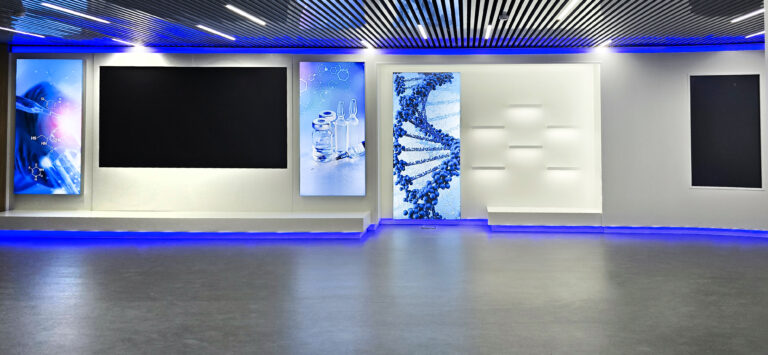
Interactive museum: which multimedia solutions to choose
An overview of interactive museum technologies: touch panels, touch tables, projections and 3D mapping, LED, TES, sound. How to choose by scenario,…

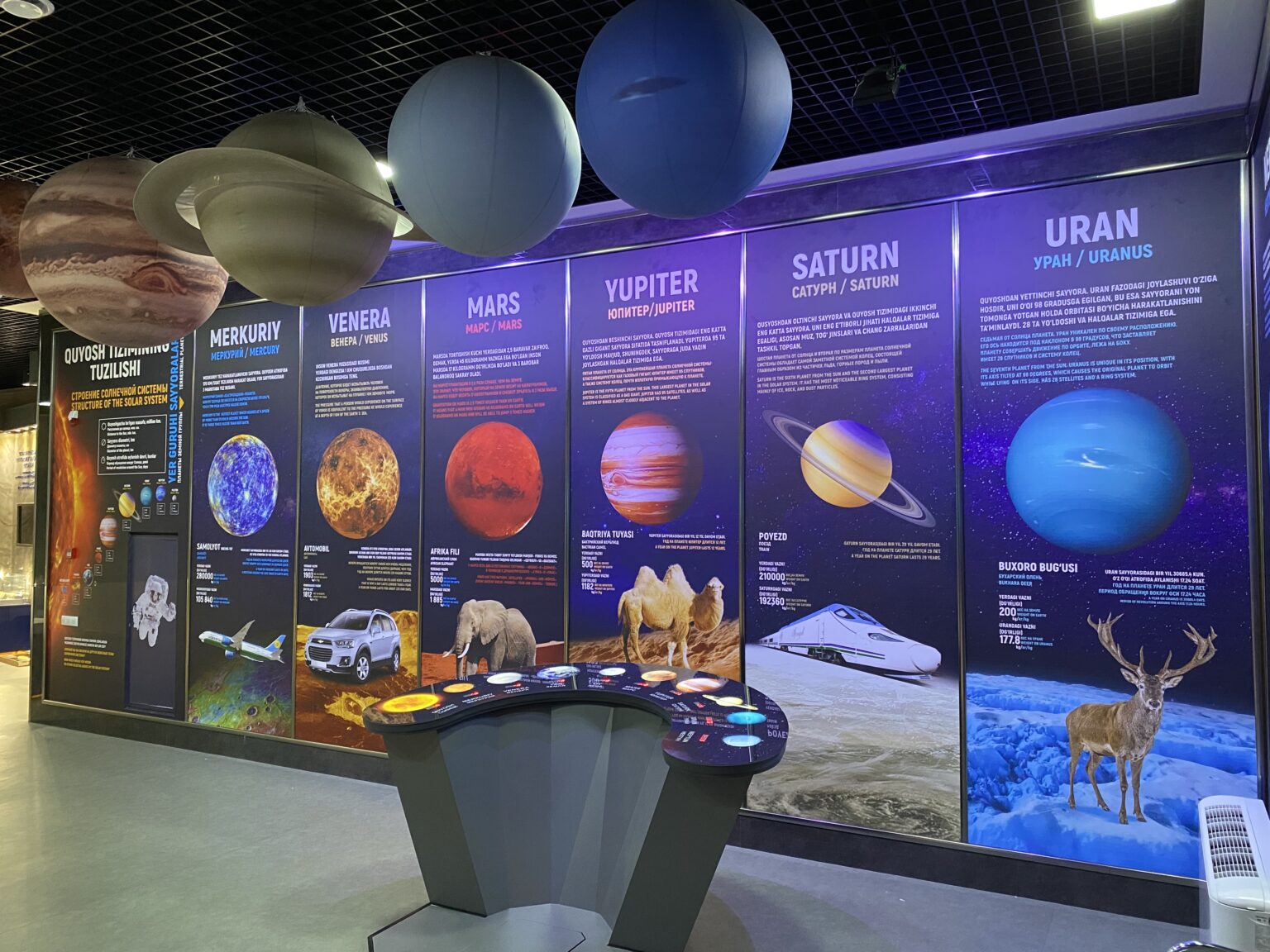
An exhibition becomes interactive when a visitor does more than look: they choose, touch and get a response. We design such halls in Tashkent: we select multimedia for the script, prepare content and install the equipment together with the cases and lighting.
Technology serves the story, not the other way around. A screen without a script gets boring quickly, while one well-staged panel or projection holds attention longer than a dozen effects. Interactive technology is part of turnkey museum creation and is designed together with the whole exhibition.


The basis is touch panels with a catalog of exhibits, a map of the halls, photos, video and explanations. Touch tables for groups work alongside them: a family or a school class gathers around one screen, and discussion starts right at the surface. Projections and 3D mapping bring models, reliefs and walls to life, while LED screens show video and dynamic content where a large image is needed.
A separate line is interactive models and dioramas, where a reaction to a touch or to an object on the table triggers lighting, sound or video. For such scenarios we use TES Tangible Engine, a system that links digital content to physical objects. Sound is added where it helps the story: voiceover for episodes, audio for individual exhibits, a multimedia guide on a tablet or via QR code.
The table shows the key parameters we start from when selecting. We choose specific models after measuring the hall and agreeing the script.
Special attention goes to 3D mapping. The image lays onto the shape of the object, its lines follow the contours and do not spill over the edges, so design starts from the surface. This can bring to life a model of a building, a terrain relief or a historical episode on a structure in the hall. We check the result on site before the show, and synchronization keeps all elements in one rhythm.
| Technology | Where it fits | Key parameters |
|---|---|---|
| Touch panel | reference and catalog at the entrance and in halls | 32-65 inch diagonal, anti-vandal glass, interface in 3 languages |
| Touch table | hall centerpiece for groups and families | several visitors at once, a stable structure |
| Wall or screen projection | video, archive footage, diagrams | a projector from 5000 ANSI lumens for use under hall lighting |
| 3D projection mapping | models, reliefs, exhibition objects | image follows the object contours, synchronized show, on-site check |
| LED screen | a large image, entrance area, permanent zone | pixel pitch in mm is roughly the minimum viewing distance in meters |
| TES Tangible Engine | game and learning scenarios with objects | a four-part script: objects, surface response, content, outcome |
We start with the hall script. We need to know what the visitor should learn, how much time they have and how many people will stand at a screen at once. School groups need large buttons, short scenarios and playful delivery. An adult audience suits reference sections with deep dives into the topic, while children and teenagers suit games and tasks.
Next we look at the hall. Bright daylight calls for a projector from 5000 ANSI lumens or an LED screen with a brightness reserve, while a dark hall lets us get by with simpler gear. We calculate panel position, screen height and free space beside it so that one person does not block the passage for others. More on choosing technology is in the article about multimedia in an interactive museum.
It helps to test a complex scenario on a single screen first and watch how visitors use it. This shows which buttons are hard to read, where people get lost and which sections are worth shortening. Changes at this stage affect only the content, while the equipment and the hall stay as they are.
Equipment without content does not work, so content is part of the project. We prepare the section structure and help with scripts, screen layout and versions in Uzbek, Russian and English. We build the content so sections can be updated without reworking the equipment: new exhibits, photos and texts are added to a ready structure.
We take the source materials from you: photographs, archive documents, video and exhibit label texts. We bring them to a uniform look, choose fonts and text size for reading at arm's length, and make sure the Russian, Uzbek and English versions take up the same space on screen.
In a museum the equipment works every day under the hands of thousands of visitors. We put touch panels behind anti-vandal glass and build the stands and podiums for them in our own workshop so the structure withstands daily load. For projectors we choose a long-duty operating mode and convenient access for maintenance.
We set operating modes to the museum schedule: morning, day and evening scenarios, a separate mode for events and filming. After opening we can join for content replacement and maintenance, if you wish.
Write to us and we will quickly guide you through the possible solutions, agree on the materials and propose a launch plan.
We can join at any stage: from idea and design to production, placement and ongoing support.
The ability to influence what is shown: touch a screen, choose a section, place an object on the table and get a response. These can be touch panels, touch tables, projections, mapping and the TES system.
We use panels from 32 to 65 inches. Smaller ones suit reference at an exhibit, larger ones suit a general catalog or a hall map. We choose the size by viewing distance and the number of people at the screen.
Yes, if the projector is bright enough. For mapping and projection under working light we use units from 5000 ANSI lumens and coordinate the hall lighting scheme with the projection.
We build content so new exhibits, photos and texts go into a ready structure without reworking the equipment. Museum staff can run the updates, or, if easier, we take over replacing the materials.
We design it for daily use. Touch panels go behind anti-vandal glass, we choose a long-duty mode for projectors, and the structures are made in our own workshop.
Not necessarily, but one touch panel with an archive or a film on a screen often extends an exhibition without adding floor space. We will suggest what works for your budget and room.
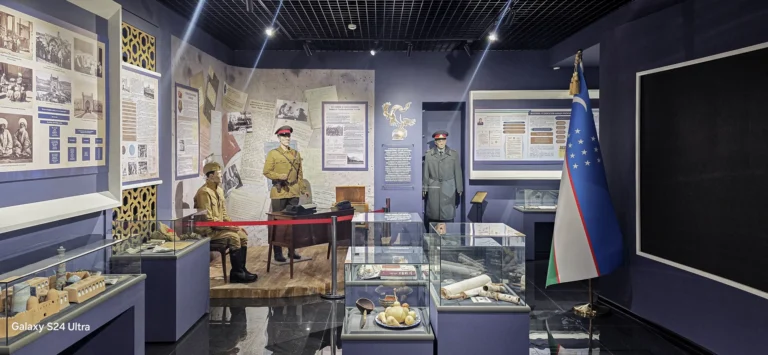
Museum concept, design, display cases, lighting, multimedia and installation in a single project.
Touch panels with catalogs, reference information, routes and educational materials for visitors.
3D projection mapping for artistic scenes, brand presentations and historical stories.
An overview of interactive museum technologies: touch panels, touch tables, projections and 3D mapping, LED, TES, sound. How to choose by scenario,…